Preparing Data
There are two types of data user needs to prepare for the application: 3D scan data and radiographs (X-rays).
3D Scan Data
Only scan data acquired using Medit’s scanning software can be used in the app. The program will automatically import the data available in the case and convert it into a web-compatible format. Before launching the application, the user must ensure the scan data is available under the “Maxilla” and “Mandible” tabs in the Data Tree.
🔎Note
It is not possible to use cases with pre-attached data or to import data after the program has been launched.
Radiographs (X-rays)
X-rays are imported from a local folder after launching the application. The app supports JPG and JPEG formats only, with a maximum of 50 files per report.
Caution
No more than 50 radiographs per month may be used, and only those from patients aged 22 and older.
3D Data Control
Users can control the 3D data using a mouse alone or both the mouse and keyboard.
3D data control using a mouse (based on Windows)
🔎Note
The use may differ depending on the settings of your browser.
Zoom | Scroll the mouse wheel. |
|
Zoom Focus | Double-click on the data. |
|
Zoom Fit | Double-click on the background. |
|
Rotate | Right-click and drag. |
|
Pan | Hold both buttons (or wheel) and drag. |
|


3D data control using a mouse and keyboard
Windows | macOS | |
|---|---|---|
Zoom |
|
|
Rotate |
|
|
Pan |
|
|
.png)
.png)
.png)
.png)
.png)
.png)
Saving Finalized Reports
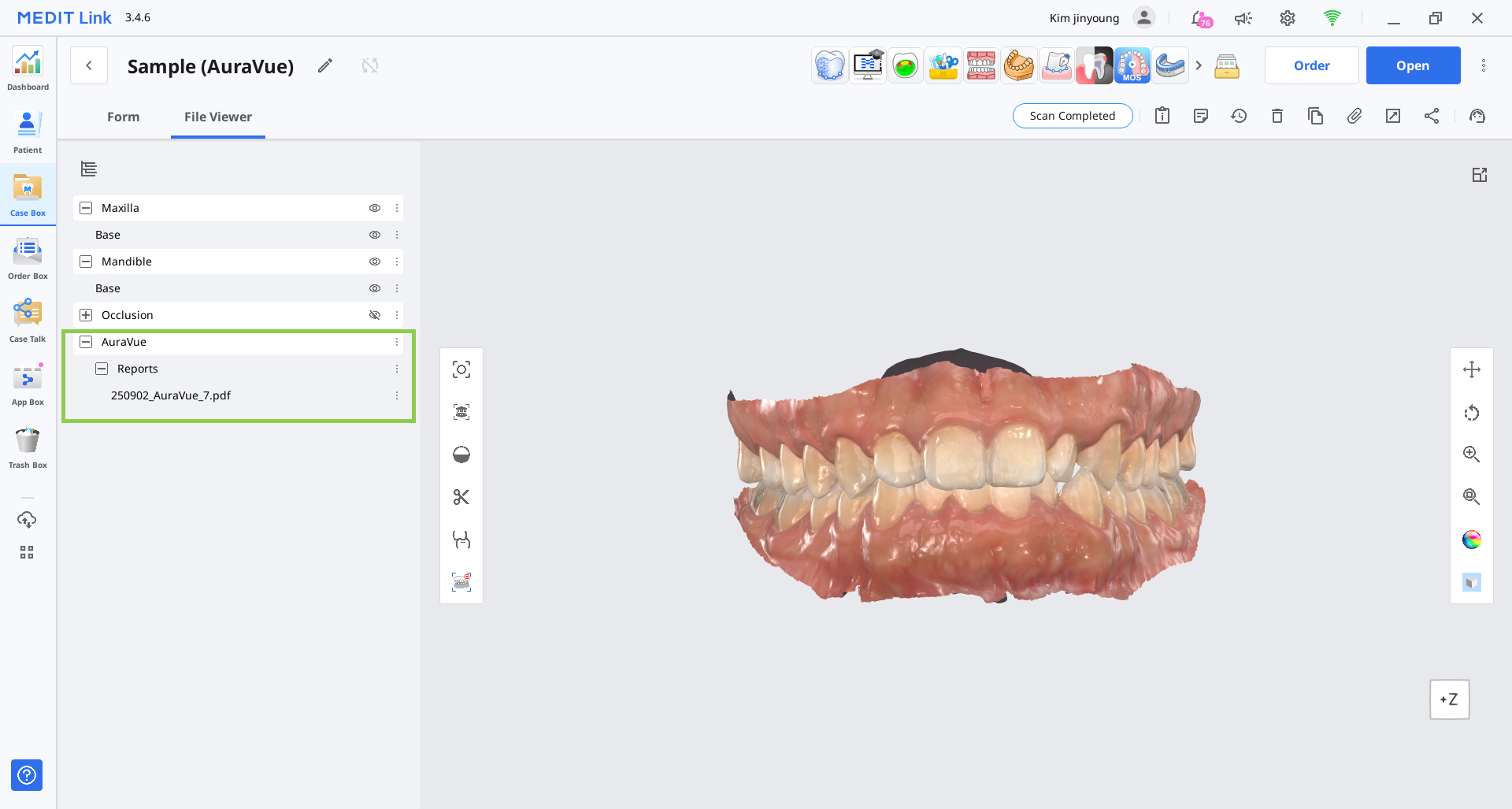
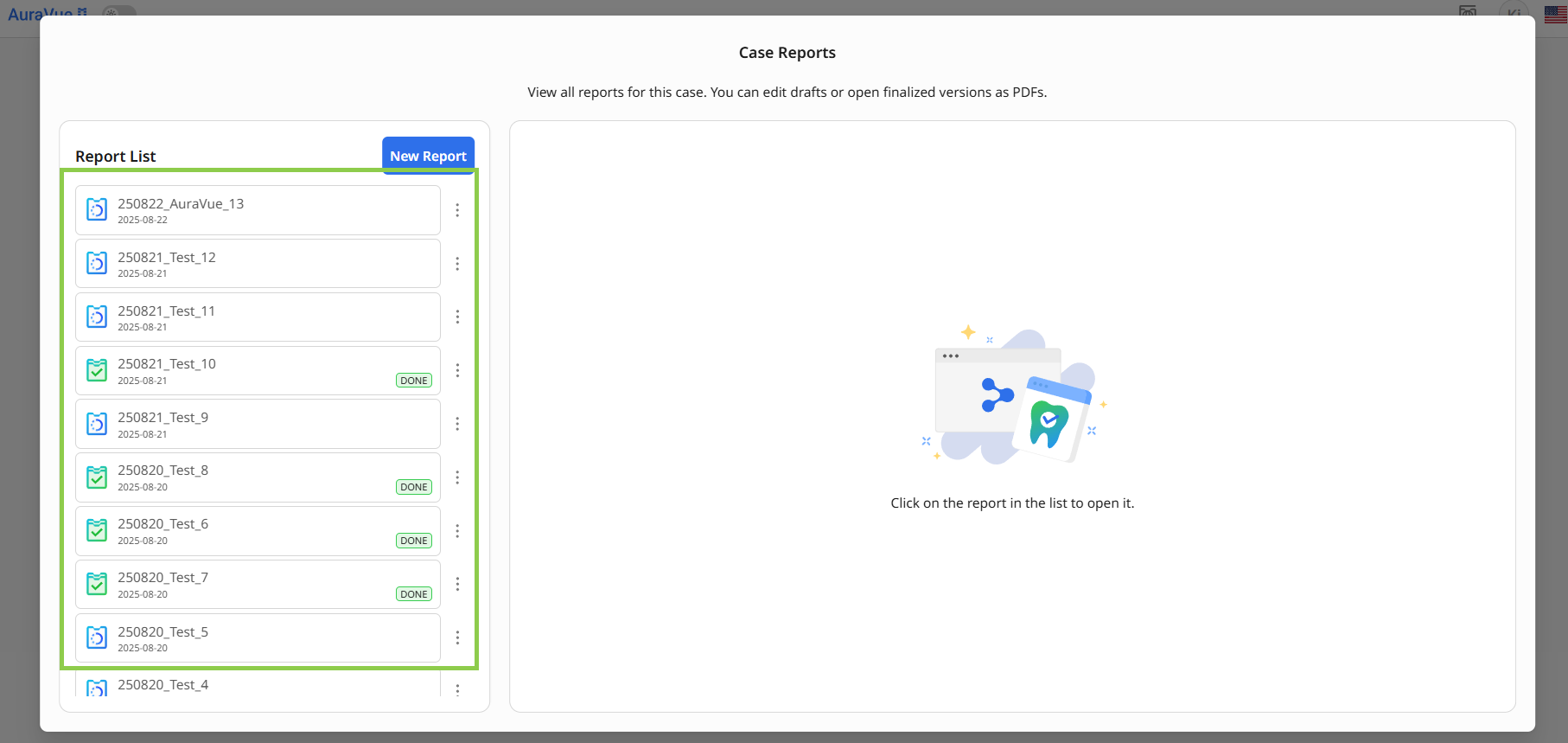
Once a report is finalized, it is automatically converted to a PDF and saved to the corresponding case. Please note that finalized reports are not editable.
Finalized reports can be accessed and managed either through their corresponding Medit Link cases or by launching the app from the associated case. Draft reports, however, are only available within the program and cannot be accessed externally.
in Medit Link case | within App |
|---|---|
*You may need to refresh the Case Detail page to see the newly created reports. |
|
⚠️Caution
The final report is intended for reference purposes only and does not constitute a medical history. For a comprehensive diagnosis and treatment plan, please refer to the official medical records.